

 See My Latest Article on HelloNation
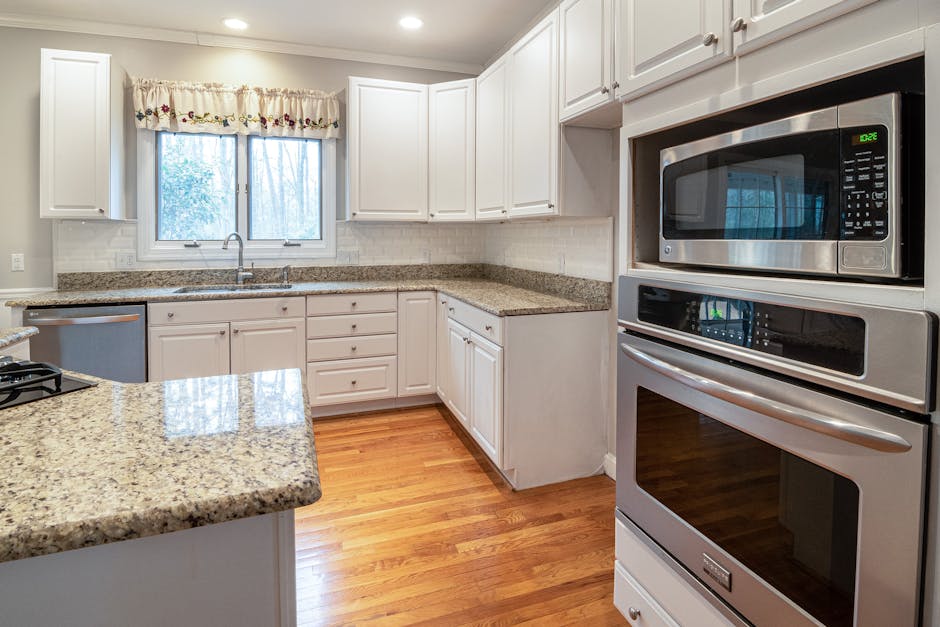
Microwave ovens have taken their place front and center in most Manchester, VT kitchens. From reheating a quick farmers’ market meal to making popcorn for a cozy movie night during snowy Vermont evenings, it's hard to imagine daily life without one. But what happens when your microwave suddenly stops working? Before calling a repair service or heading to the local appliance store, many common microwave problems can be fixed at home with a little guidance. This guide covers the top microwave oven troubleshooting tips, tailored for Manchester’s unique lifestyle—helping you quickly get back to your routine in the Green Mountain State.
Why Your Microwave Might Not Be Working
Living in a place like Manchester, with those classic Vermont winters and the busiest ski days, a broken microwave can derail your day. Here are the most common reasons a microwave may stop working:
- Power Supply Issues
- Door Problems
- Turntable Not Spinning
- Microwave Not Heating Food
- Unusual Noises or Smells
- Control Panel Malfunction
Let’s break down each issue and offer practical solutions you can try right at home.
1. Power Supply Issues
One of the most frequent reasons for a microwave not turning on is a power supply problem. Whether you live in a historic farmhouse or a modern build in Manchester, start by checking these basics:
- Look for a tripped circuit breaker. Vermont homes, especially those with older wiring, are prone to tripped breakers. Reset the breaker if needed.
- Test the outlet. Plug in another small appliance—like your coffee maker—to check for power.
- Inspect the power cord. Check for visible damage or fraying.
Tip: Always unplug the microwave before investigating further to prevent any electrical accidents.
2. The Door Won’t Close Properly
Microwave doors are equipped with safety interlock switches. If the door isn’t shutting securely, the microwave simply won’t operate.
- Look for food debris: Crumbs from bakery goods made at home or purchased from Manchester's local shops can get stuck in the latch.
- Check for broken parts: Examine the latch for cracks or wear.
- Listen for a click: You should hear a distinct "click" when closing the door.
A misaligned door or broken latch can often be replaced with parts available at the local hardware store.
3. Turntable Won’t Spin
The rotating turntable ensures your Vermont maple syrup-laced leftovers are heated evenly. When it stops spinning:
- Remove and clean the turntable and rollers: Grime from frequent use can block movement.
- Check the alignment: Make sure the turntable and its support ring are seated properly.
- Inspect the drive coupling: This small part can break, but is easy to replace.
4. Microwave Runs but Doesn’t Heat
If your microwave runs but doesn't heat up that Shepherd’s Pie from the Manchester Diner, the magnetron might be at fault. However, there are other steps you can check first:
- Look for power output issues: If lights dim when you start the microwave, there may be a problem with the power supply.
- Try a power reset: Unplug the microwave for 5 minutes and try again.
- Check for error codes: Newer models often display an error code—consult your manual for guidance.
If these solutions don’t work, the issue is likely with internal components like the magnetron or high-voltage diode. If you’re not comfortable with appliance repair, it’s time to contact a Manchester-area professional.
5. Strange Noises or Burning Smells
A microwave making odd noises or emitting burning odors can quickly turn from an inconvenience to a safety hazard:
- Remove any metal objects: Accidentally microwaving utensils or twist ties is a common mishap when heating up bakery bags.
- Clean the interior: Spilled food can burn, causing odors and even smoke.
- Check the turntable motor: A grinding sound often means the motor is jammed or failing.
If a burning smell persists, unplug the unit and avoid using it until inspected.
6. Control Panel Not Responding
Busy mornings in Manchester require efficiency. If your microwave’s control panel is dead or unresponsive, consider:
- Cleaning the panel: Sticky hands after a visit to Northshire Bookstore’s cafe can leave residue on controls.
- Resetting the appliance: Unplug and let it sit briefly.
- Inspecting for moisture: Condensation from Vermont’s humid summer days may seep in—wipe thoroughly.
If keys are still unresponsive, the control board may need to be replaced.
When to Call a Professional in Manchester, VT
Some microwave repairs require specialized tools and expertise. If you're dealing with internal components like the magnetron, capacitor, or electronics, it’s best to consult a trained technician. Many local Manchester, VT appliance repair professionals provide same-day service, ensuring your lifestyle isn’t interrupted for long.
Preventive Maintenance: Keeping Your Microwave Working Longer
With Manchester, VT’s bustling family gatherings, holiday feasts, and endless events, your microwave works hard. To prevent issues:
- Clean regularly: Wipe up splatters after each use.
- Don’t slam the door: Gentle handling prolongs latch life.
- Use only microwave-safe containers: Prevent sparks and stains.
- Check for recalls: Occasionally, models are recalled. Stay updated via manufacturer websites.
Local Resources in Manchester, VT
If DIY troubleshooting doesn't solve the problem, Manchester boasts a range of trusted appliance shops and repair services. Local stores offer replacement parts and expert advice. Some highlights:
- Manchester Hardware & Appliance – for parts, tools, and community-based support.
- Manchester Repair Services – same-day appointments for urgent repairs.
- Annual Recycling Drives – the town hosts events so you can responsibly recycle old, irreparable microwaves.
Conclusion
Microwave ovens are a staple of the Manchester, VT kitchen, providing warmth and convenience throughout every season. Following these troubleshooting steps can save you time and money, restoring the rhythm of your busy Vermont day. For complex repairs and safety concerns, don’t hesitate to turn to local experts who understand Manchester’s unique needs and keep your home running smoothly.